🌟 Featured Case Study · Solo Project

IFIT Lab Handover System

Centralizing knowledge transfer for lab members
Personal project · Built and maintained solo since 2026/04
Problem Tech Stack Trade-offs Features My Role Challenges Demo

Problem Background

Tech Stack

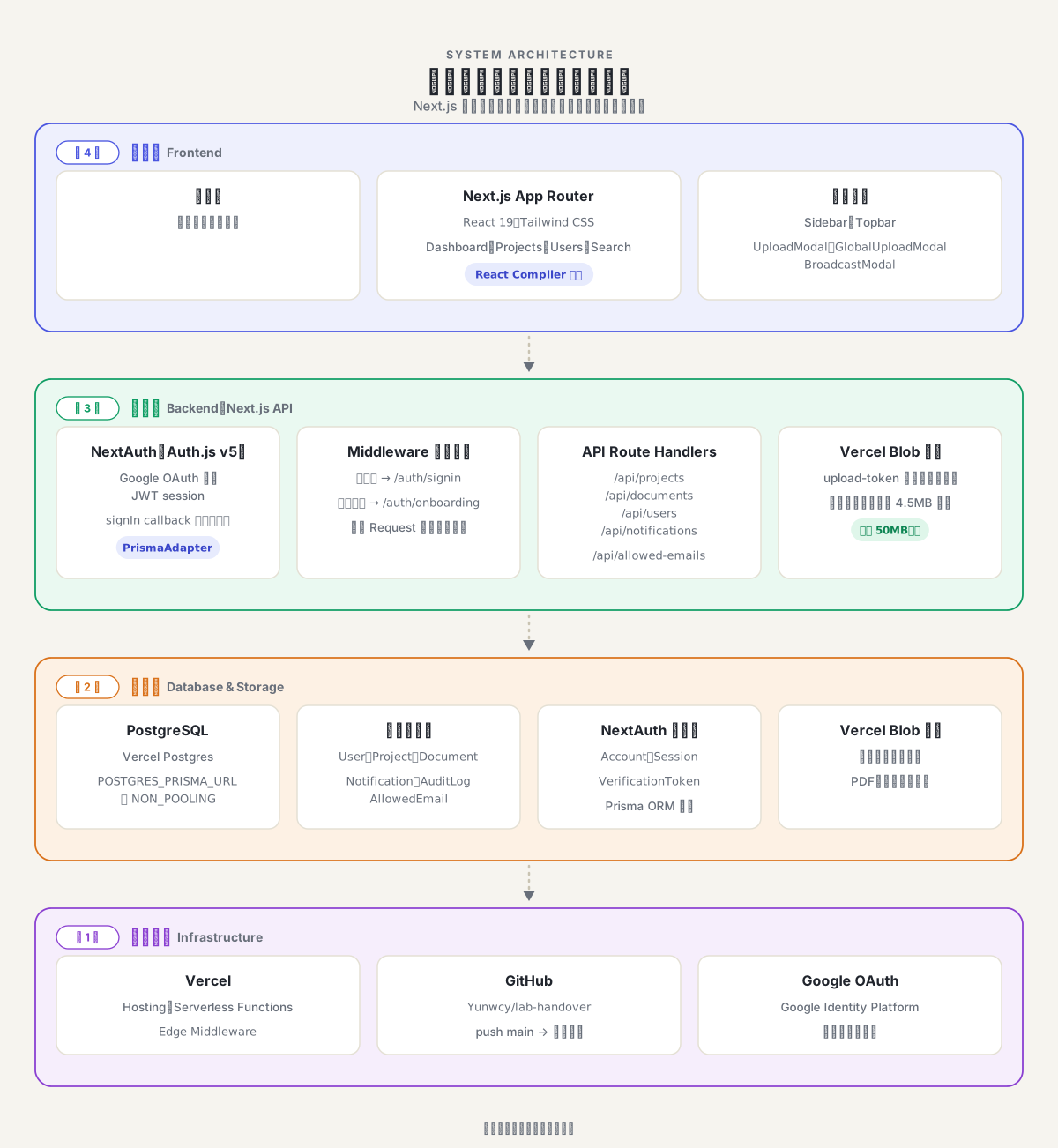
Tech stack and deployment architecture
4-layer architecture: frontend, application (Next.js API), data (PostgreSQL + Vercel Blob), and infrastructure (Vercel, GitHub, Google OAuth)

Frontend

Next.js (App Router) React 19 Tailwind CSS

Auth & Backend

NextAuth (Auth.js v5) Google OAuth Middleware Guards Prisma ORM

Data & Storage

PostgreSQL Vercel Postgres Vercel Blob

Infra & Deployment

Vercel Serverless Functions GitHub CI/CD

Dev Tools

Claude Code Gemini
Engineering Trade-offs

Cost
    Speed
      Accuracy
        Stability

          Features

          Authentication & Access Control

            Dashboard

              Document Management

                Upload & Download

                  Site-wide Search

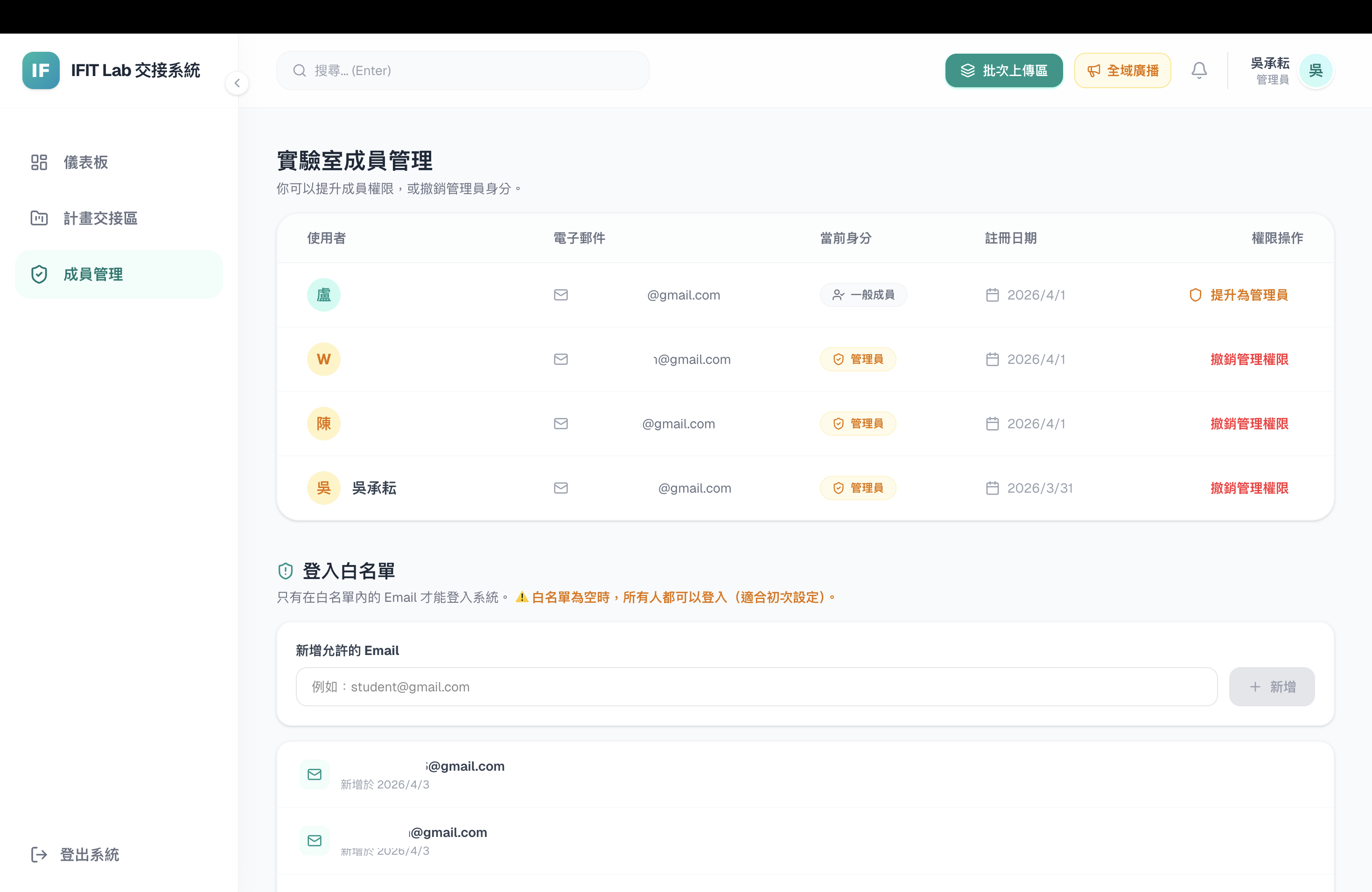
                    Member & Permission Management

                      Notifications & Announcements

                        Audit Log

                          Responsive UI

                            My Role

                            Solo Full-Stack Developer

                            I built this system entirely on my own — architecture design, database schema, authentication, file-upload integration, frontend UI, deployment, and ongoing operations — using a Next.js (App Router) + Prisma + PostgreSQL + Vercel full-stack setup.

                            Challenges & Solutions

                            1 Two-layer permission design

                            Problem

                            Solution

                            2 Cross-OS file-type misdetection

                            Problem

                            Solution

                            3 Keeping multi-file upload state in sync

                            Problem

                            Solution

                            Demo

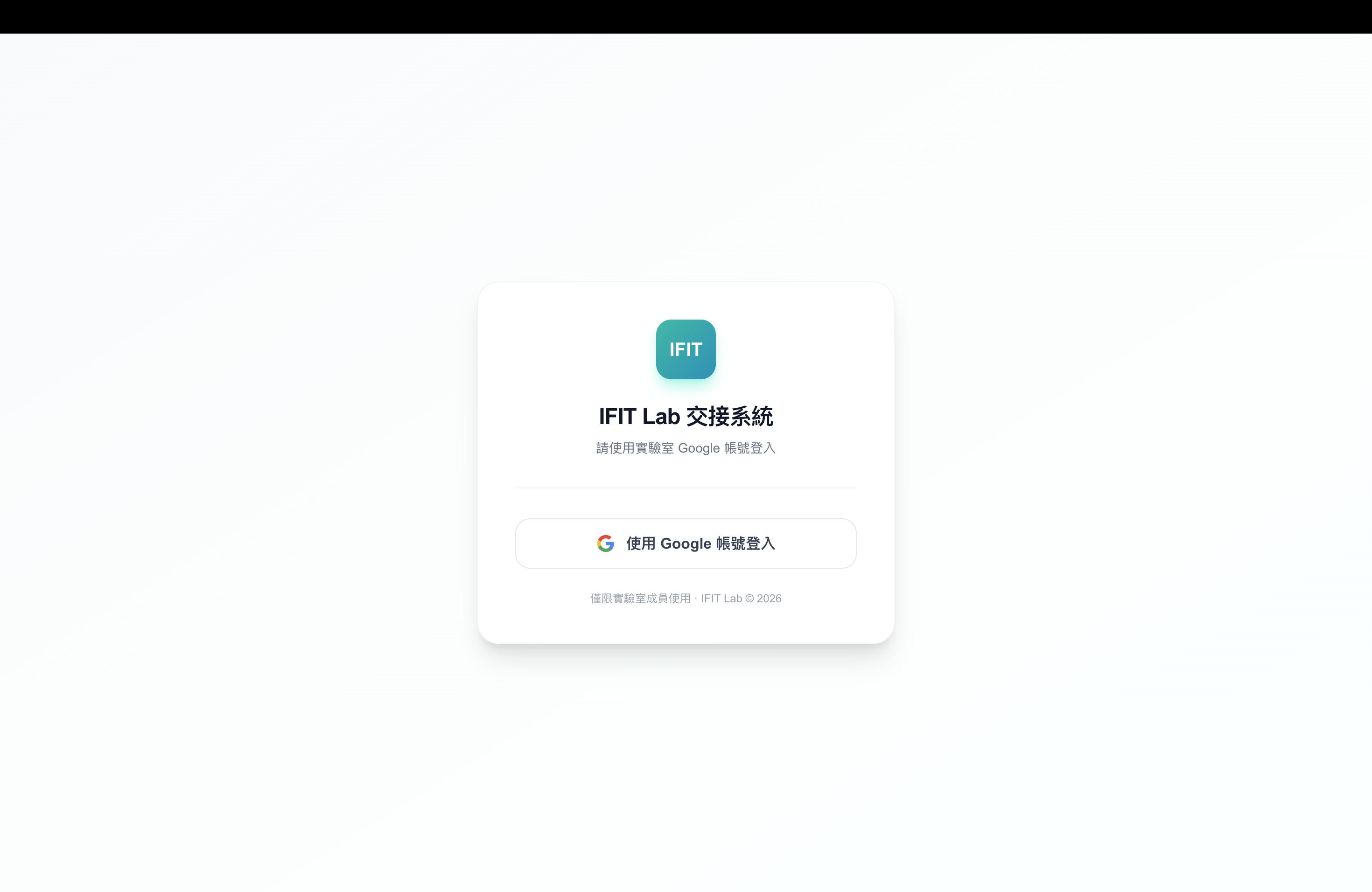
                            Login screen
                            Login screen — lab members sign in with their lab Google account
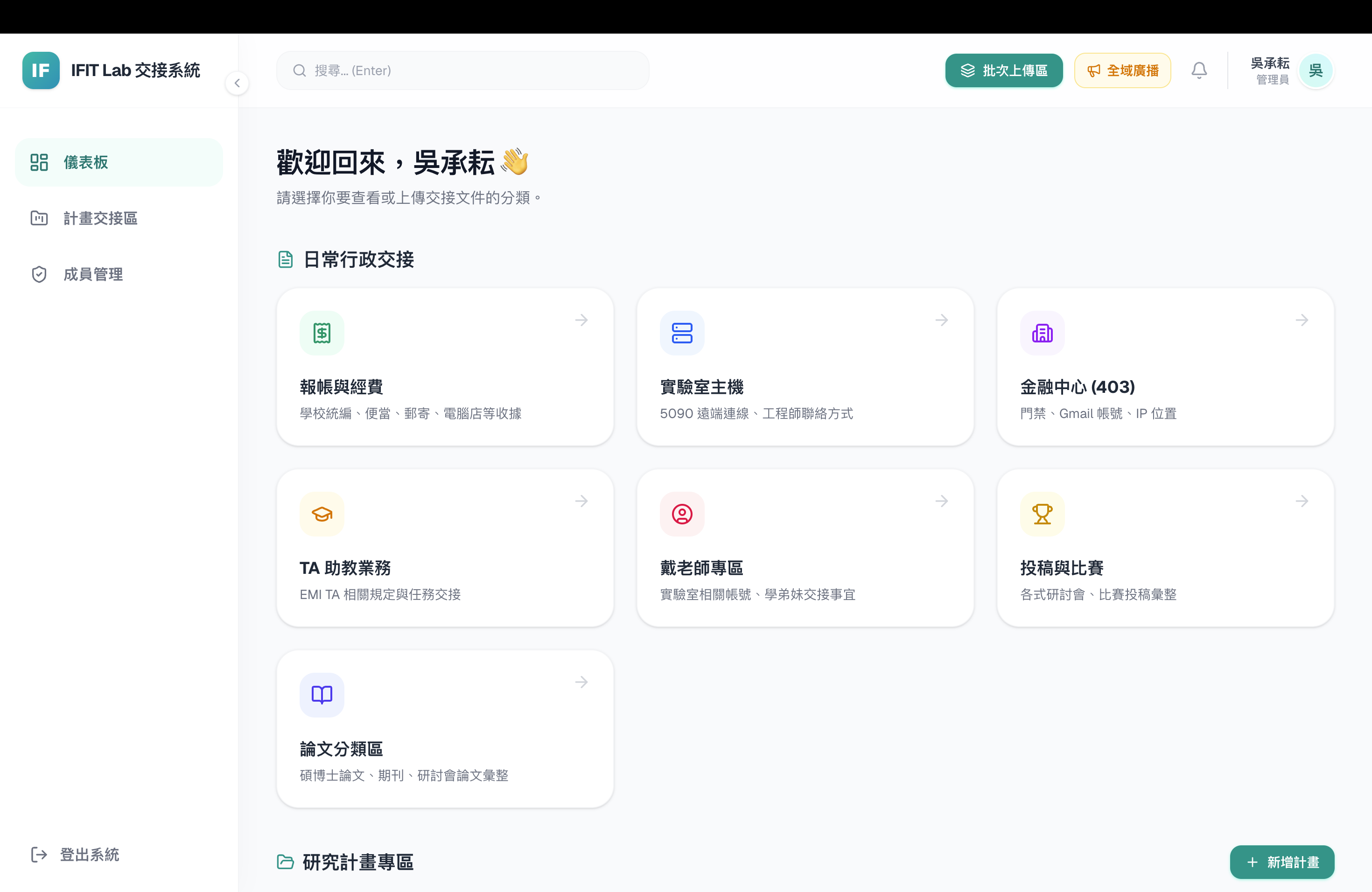
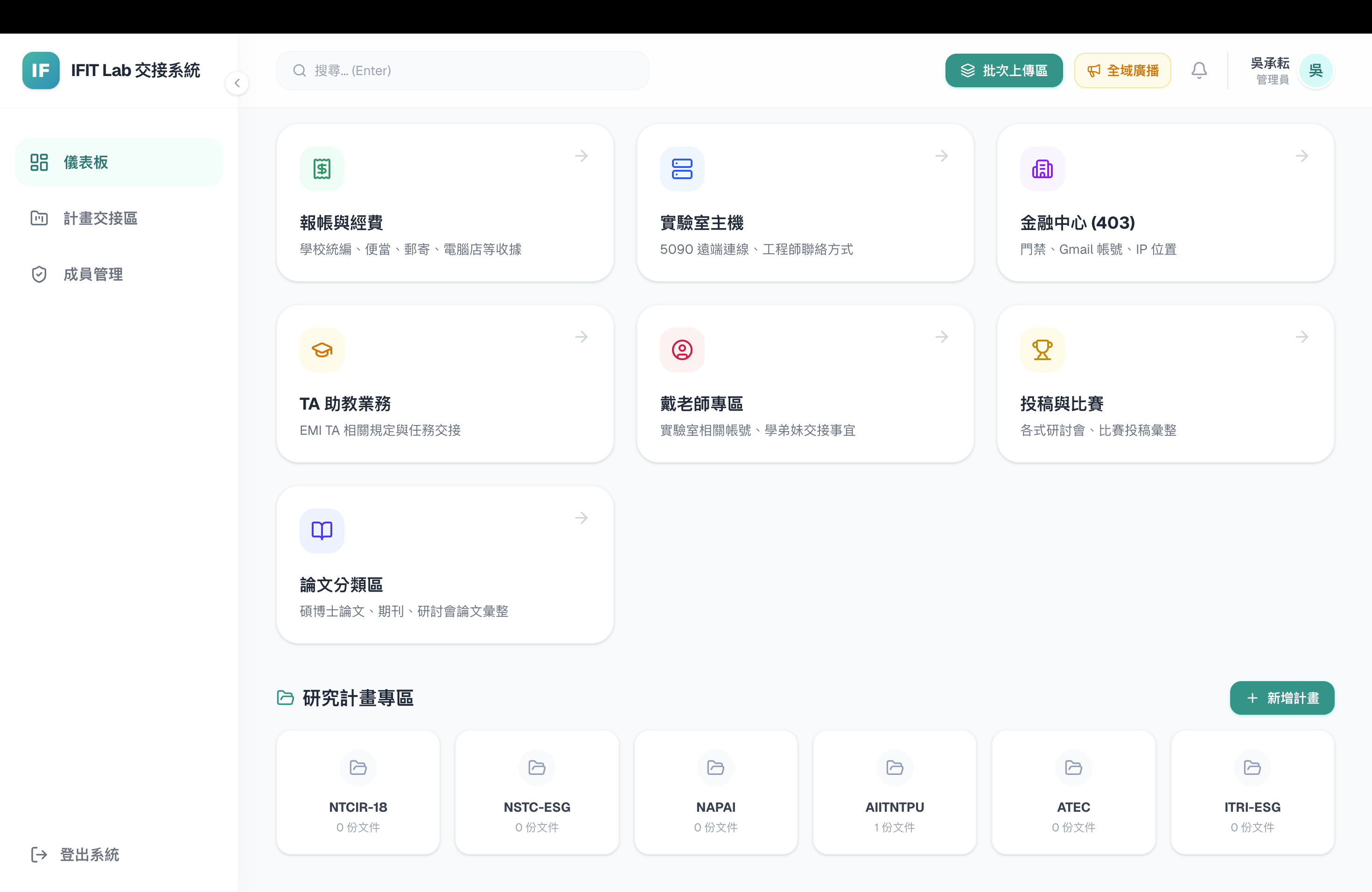
                            Dashboard
                            Dashboard — quick access to every daily admin handover category
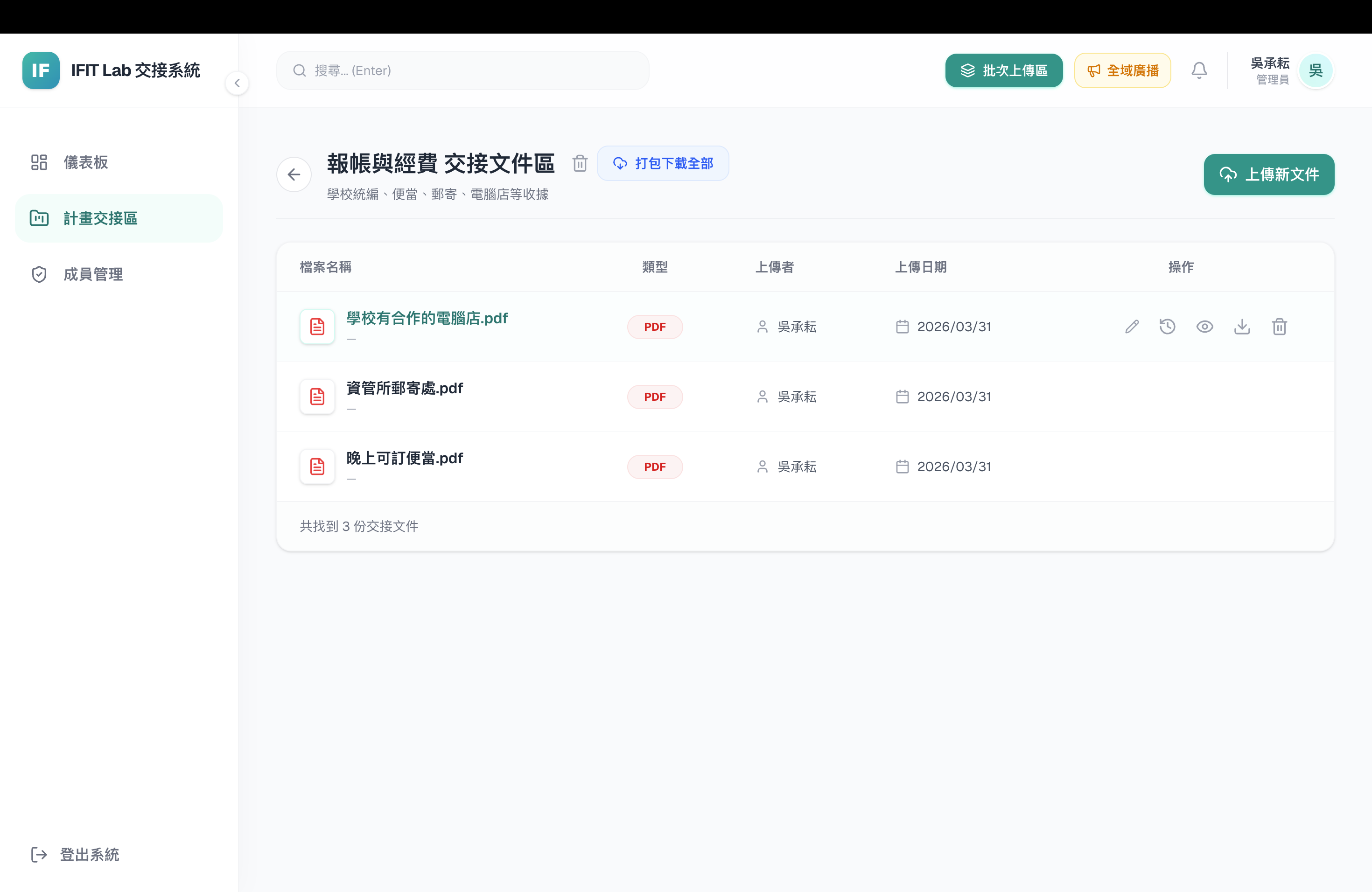
                            Document list
                            Document list — uploaded files with type, uploader and date
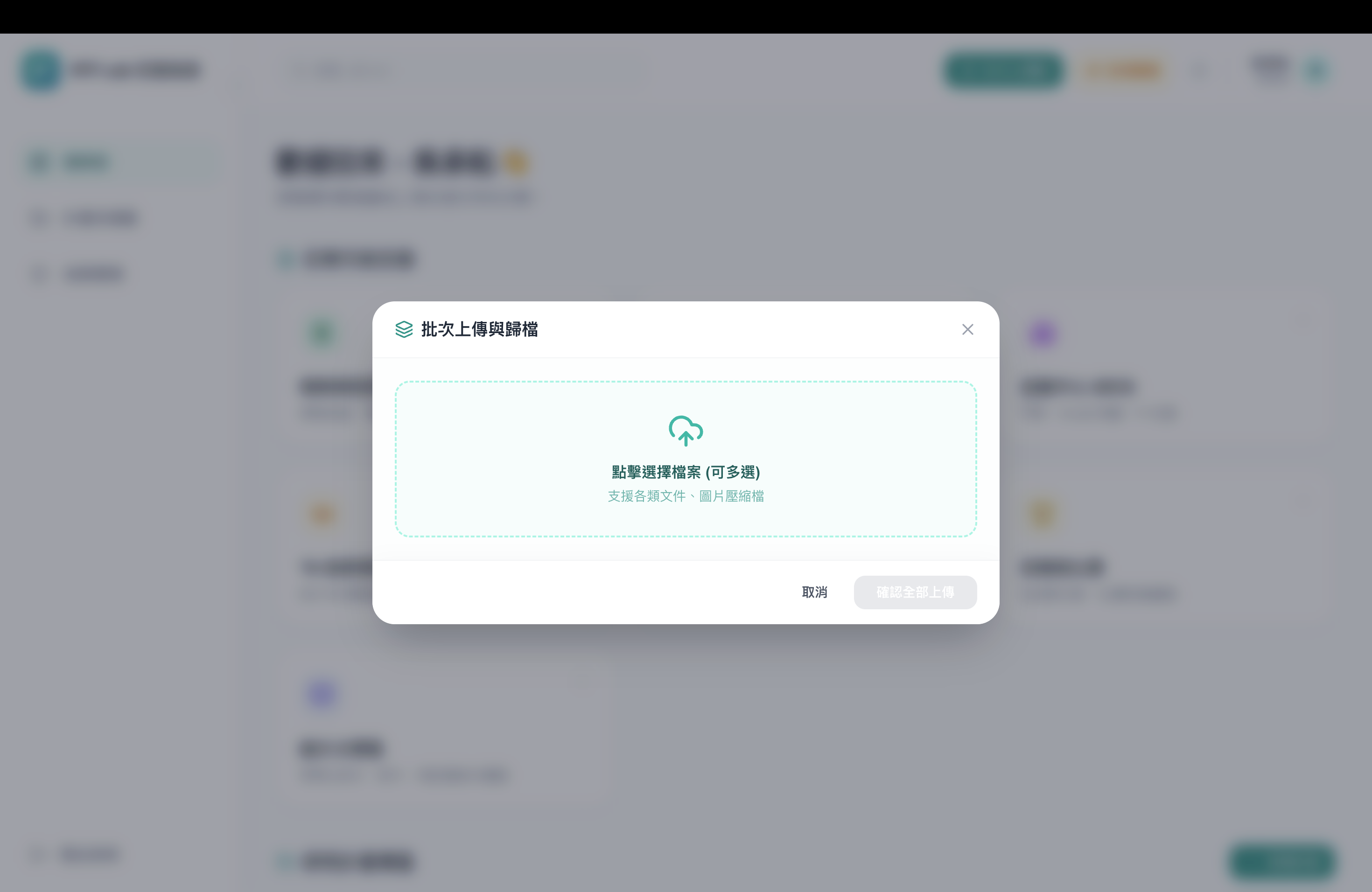
                            Batch upload modal
                            Batch upload — archive multiple files into a category at once
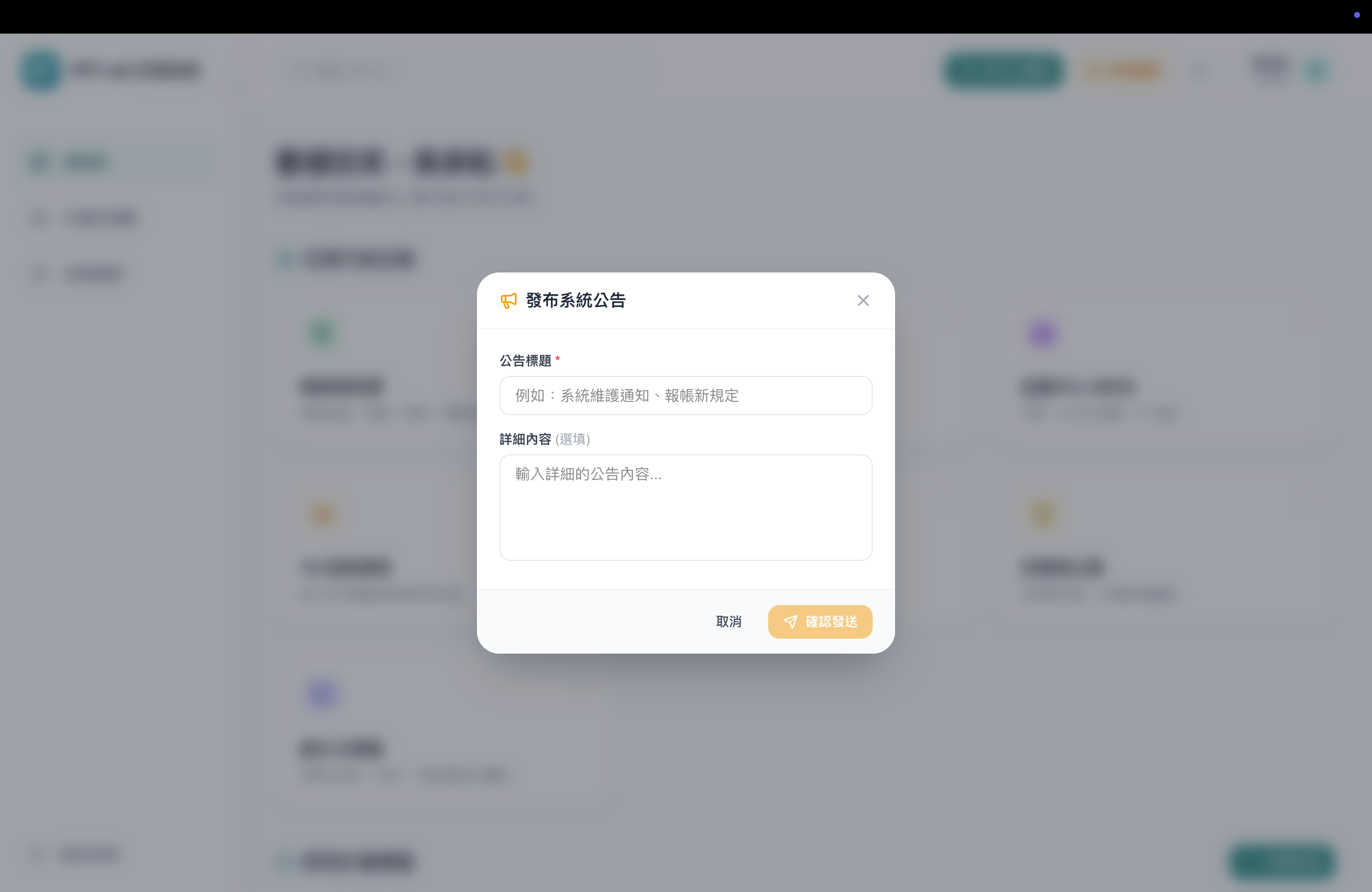
                            Announcement modal
                            System-wide announcements — broadcast a notice to every member
                            Research project folders
                            Research project folders, kept separate from daily admin handover
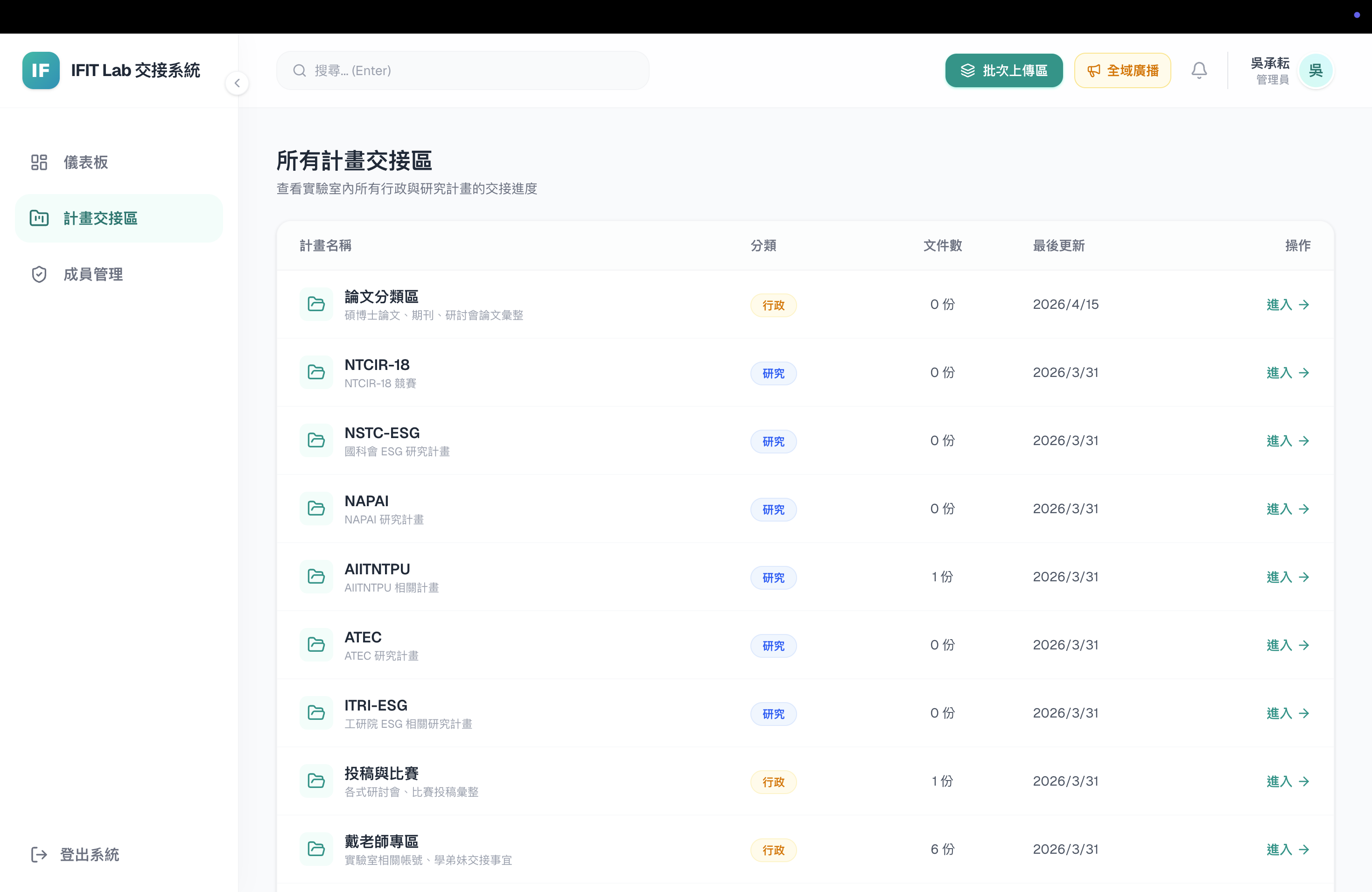
                            Site-wide overview table
                            Site-wide overview — every category's progress at a glance
                            Member management
                            Member & permission management, plus a login whitelist for access control